Stored on your device
Save and access your content locally.
 Sodam
Who knows how your personal data might be used?
Stop sending it to the cloud.
Notes, photos, videos, and files.
Encrypted on your device. Kept close to you.
 Moments, just for you
PRIVATE BY DESIGN
Your saved content isn’t automatically uploaded to external servers.
Know where your personal things live. Keep them in your hands.
Save and access your content locally.
Keep your personal content encrypted.
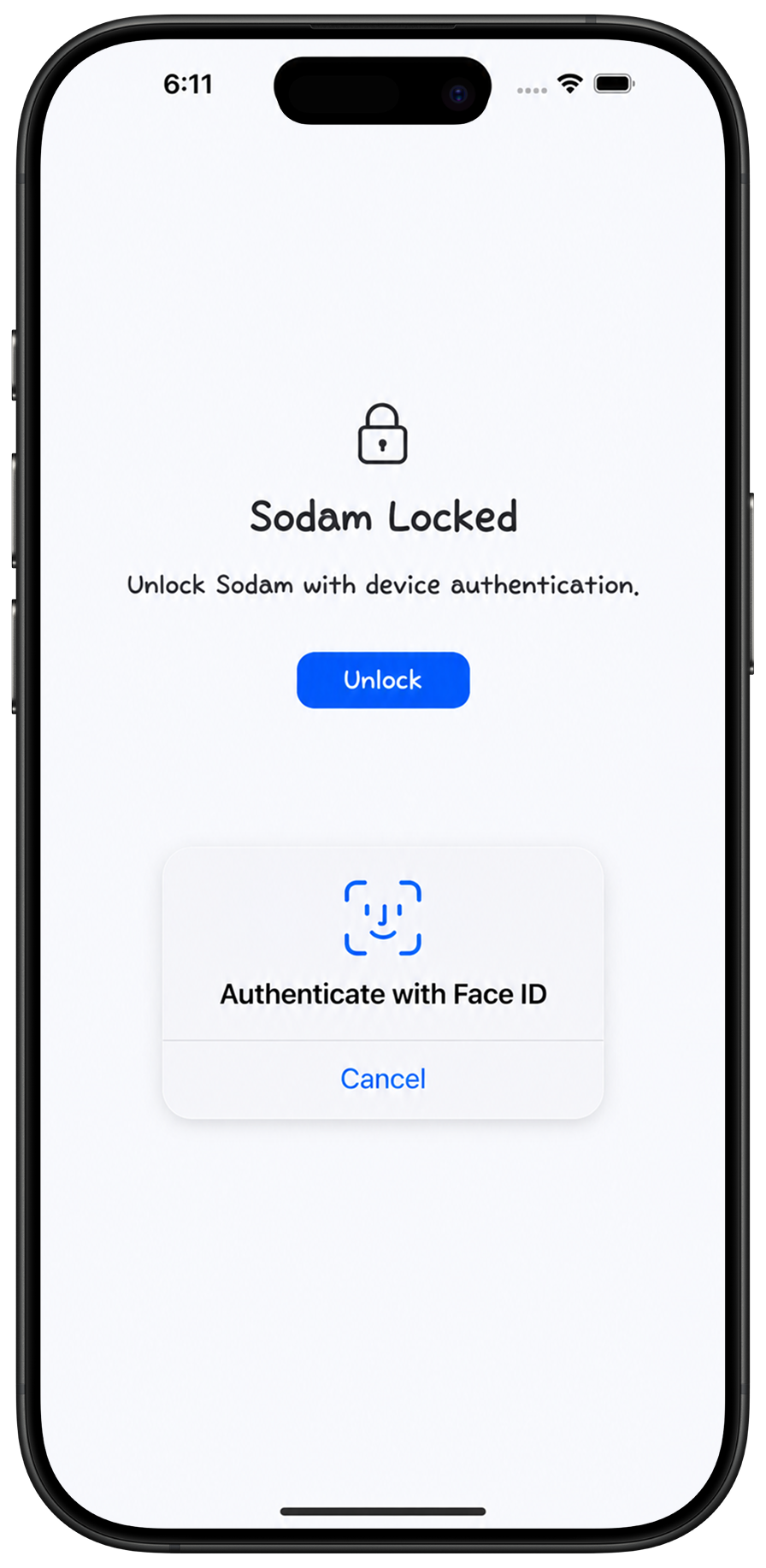
Open your space with device authentication.
Everything you want to keep
Not everything needs an audience. Some things are just for you.
PRIVATE NOTES
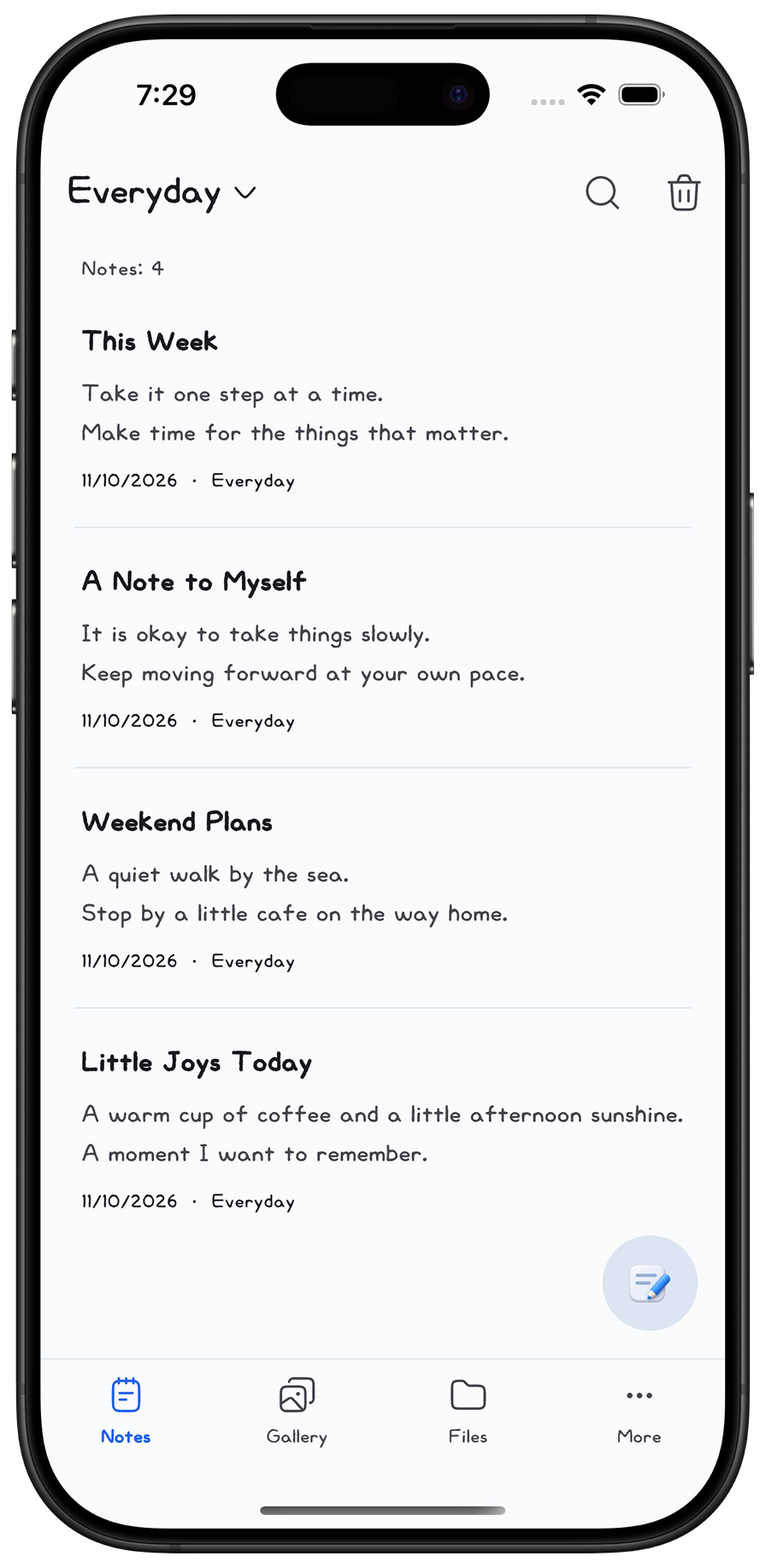
A passing thought. A daily reflection. A note to yourself.
Write freely and organize it all in your own folders.
PRIVATE GALLERY
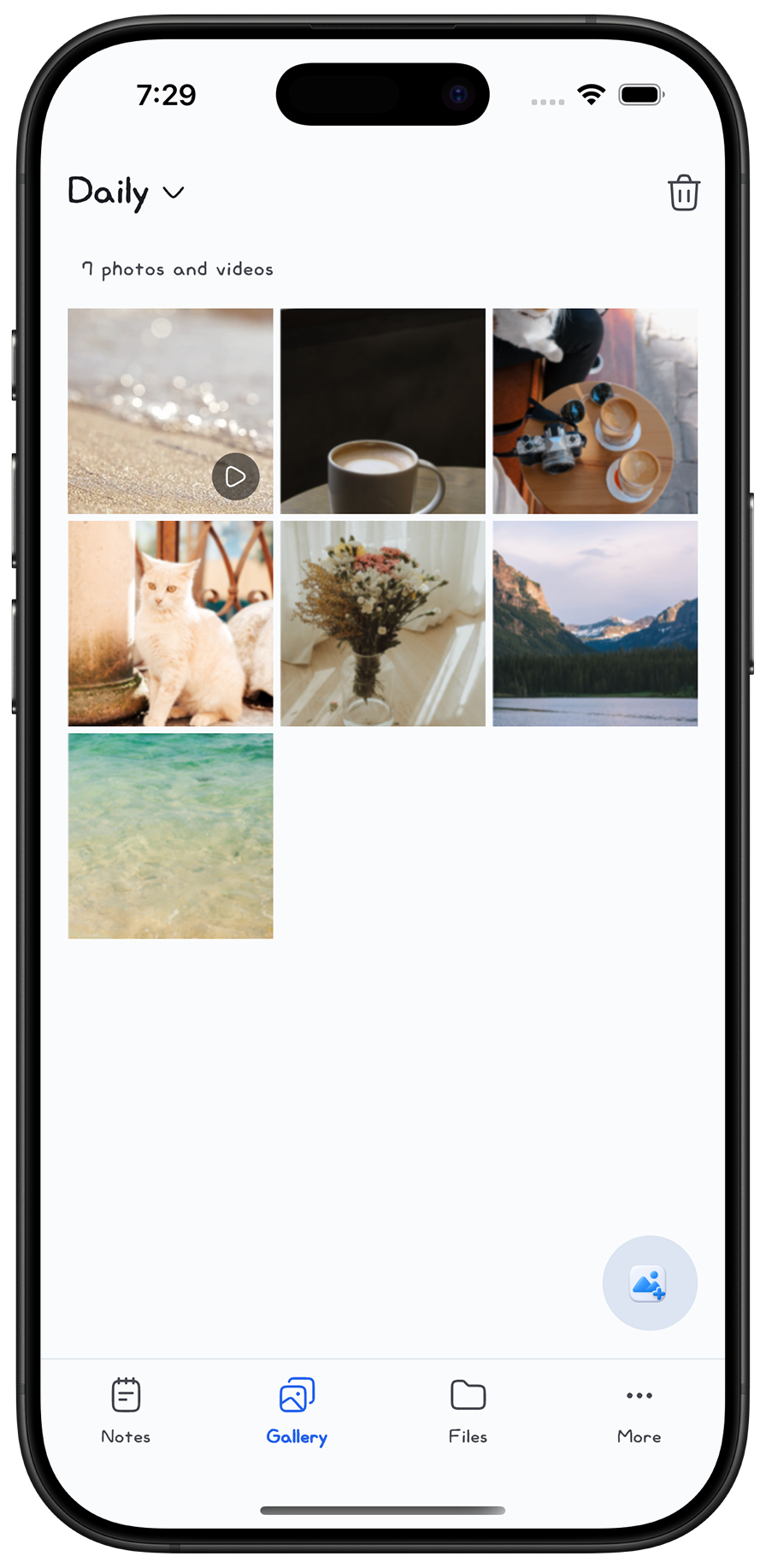
Days spent together. A quiet trip on your own.
Keep photos and videos close, and enjoy them in the app.
PRIVATE FILES
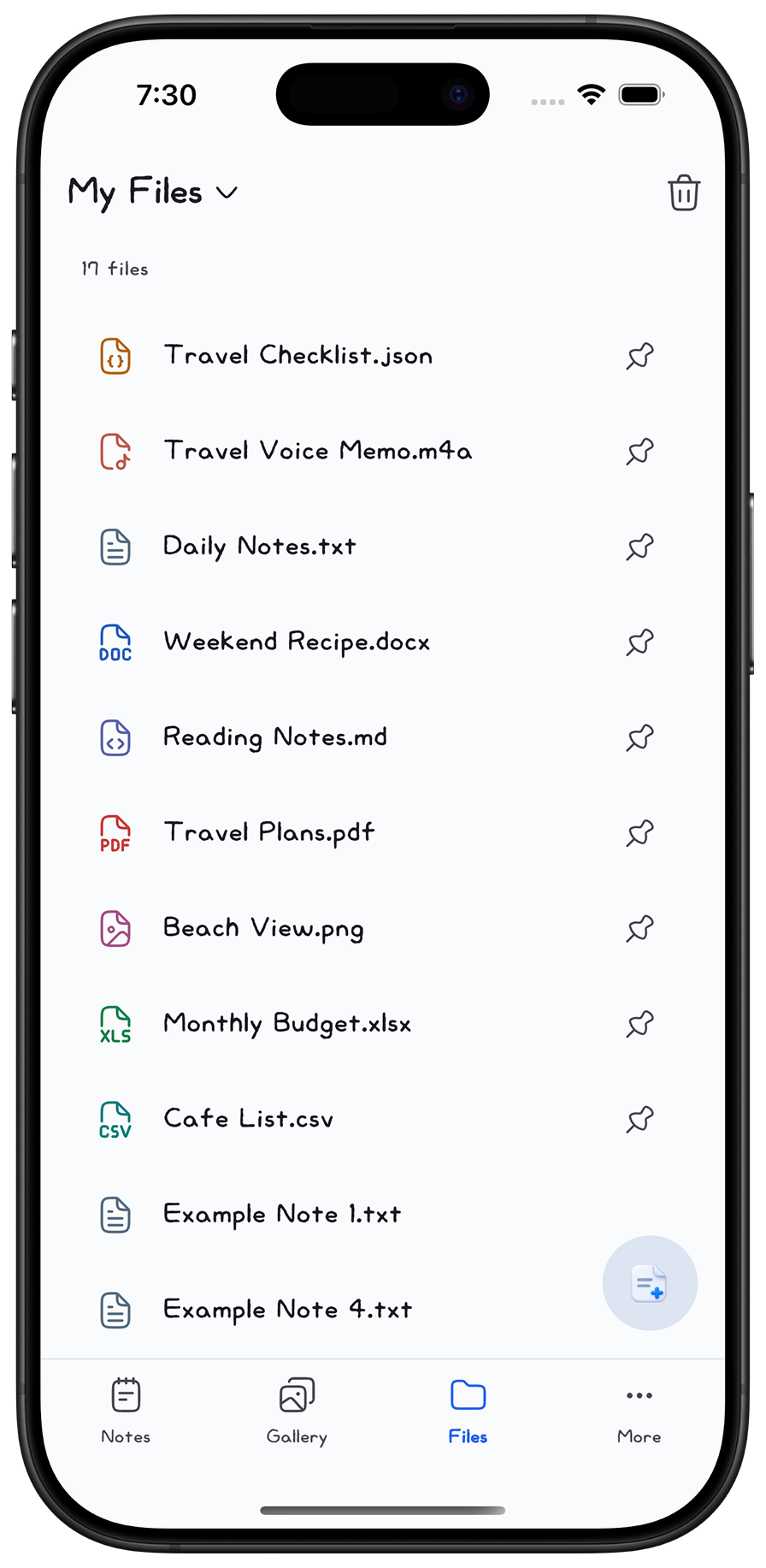
Documents, voice memos, and everyday essentials.
Keep them organized and encrypted on your device.
ONLY YOU
Unlock with your device’s biometrics or passcode.
A little peace of mind, every time you return.
KEEP YOUR MEMORIES
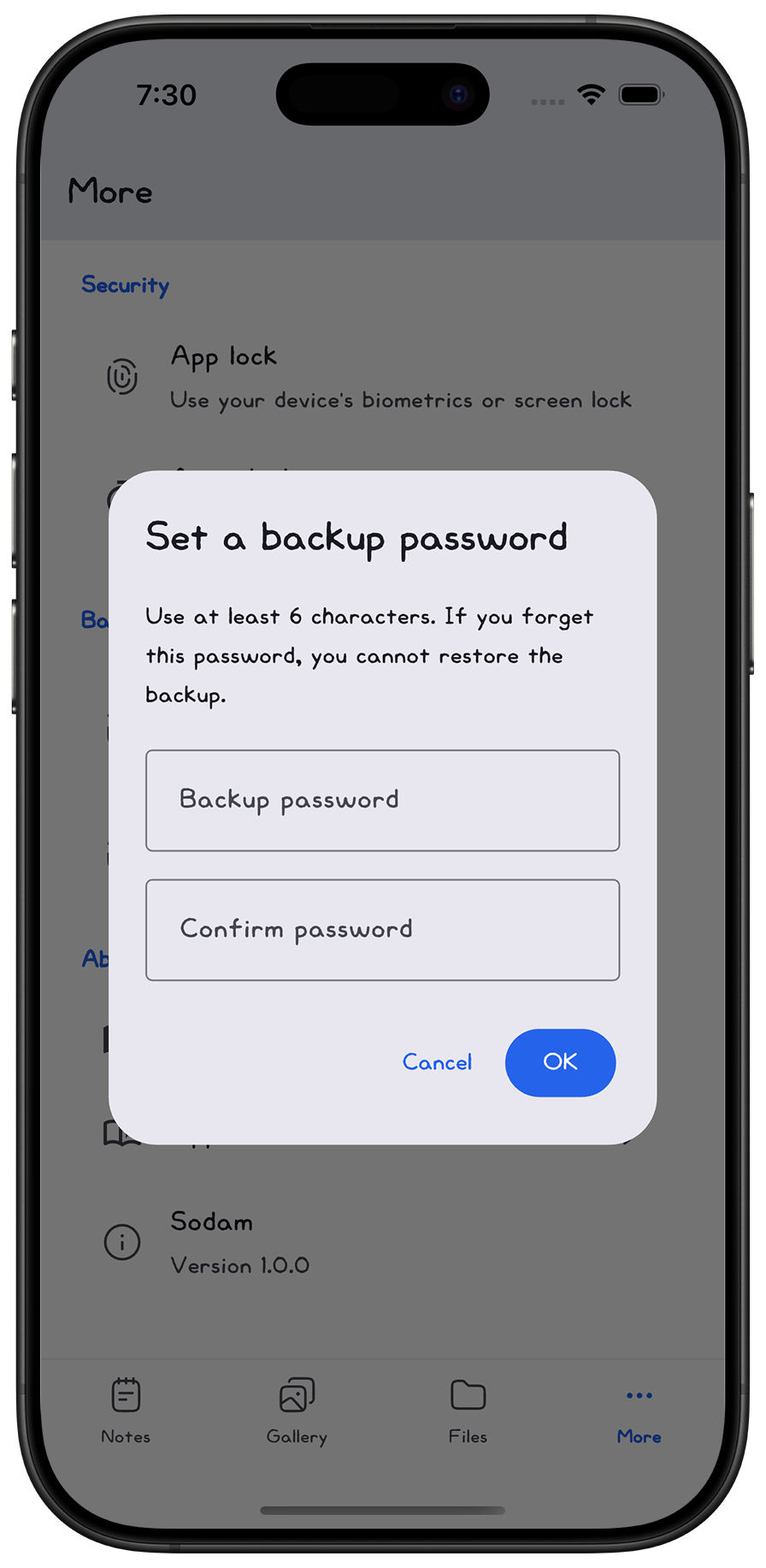
Create a backup of your saved content.
Bring it back whenever you need it.
You choose where your backup is saved. Keep your backup file and password safe.
Your content is stored encrypted in Sodam’s app storage on your device. It isn’t automatically uploaded to Sodam’s external servers. Backups you create are saved to the location you choose.
Use your device’s supported biometrics or passcode. The available authentication methods and interface depend on your device and operating system.
Create a backup on your old device, then restore it in Sodam on your new one. You’ll need the backup file and the password you set. Save a backup before changing devices or deleting the app.